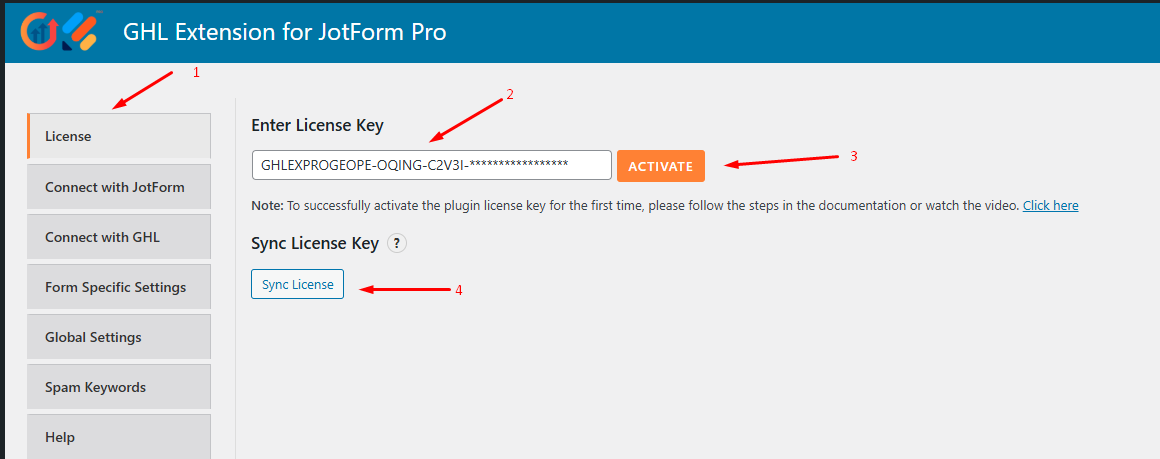
To successfully activate your license key, please follow the steps below:
- Go to Plugin Settings > License.
- Enter the license key you received when you purchased the plugin.
- Click the Activate button.
- Finally, click Sync License to verify and activate your license key.
Or you can watch the video tutorial from this link: Click Here