1. Prerequisites: Ensure that the Ninja Forms plugin is already installed and activated on your WordPress website.
2. Upload Plugin: In your WordPress Admin Dashboard, navigate to Plugins > Add New, and upload the ibs-webmcp-for-ninja-forms.zip file.
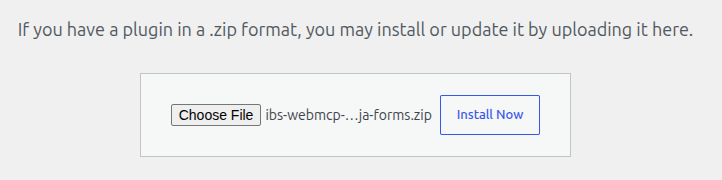
3. Activate: Once uploaded, click Activate Plugin.
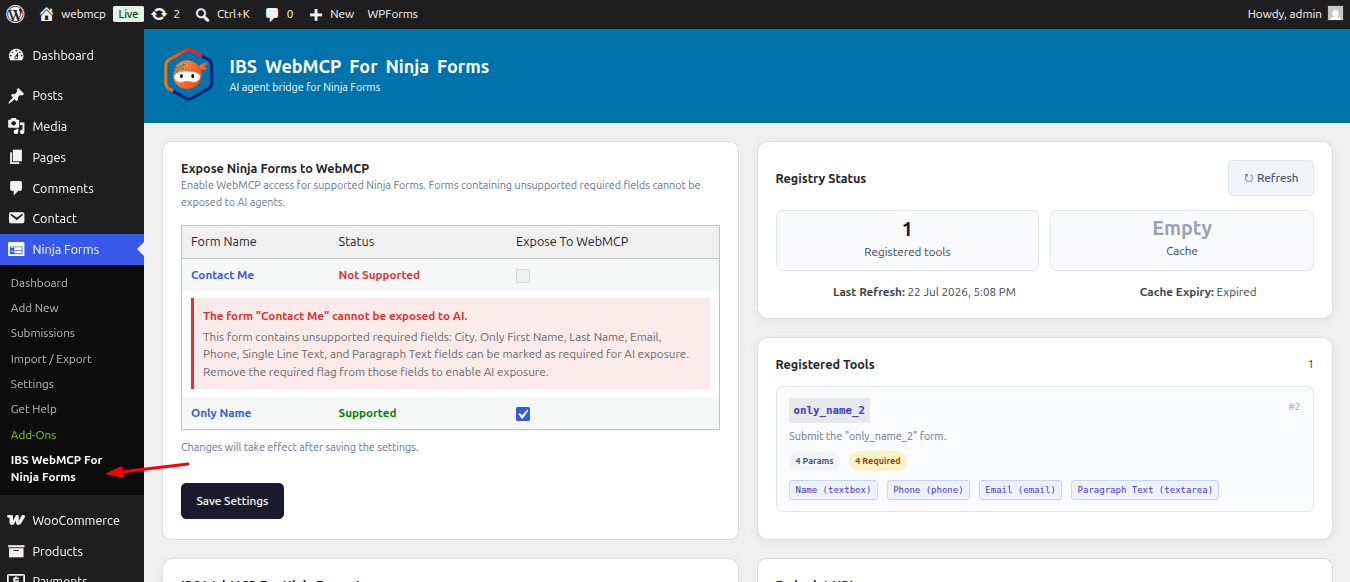
4. A new IBS WebMCP For Ninja Forms menu item will now appear in the Ninja Forms sidebar.