
IBS Consent Mode Manager is a WordPress plugin that helps websites manage visitor consent for Google Analytics, Google Ads, and Google Tag Manager using Google Consent Mode v2. It provides a customizable consent banner, consent preference controls, geolocation-based consent rules, GPC support, and GTM blocking options, all managed directly within WordPress.
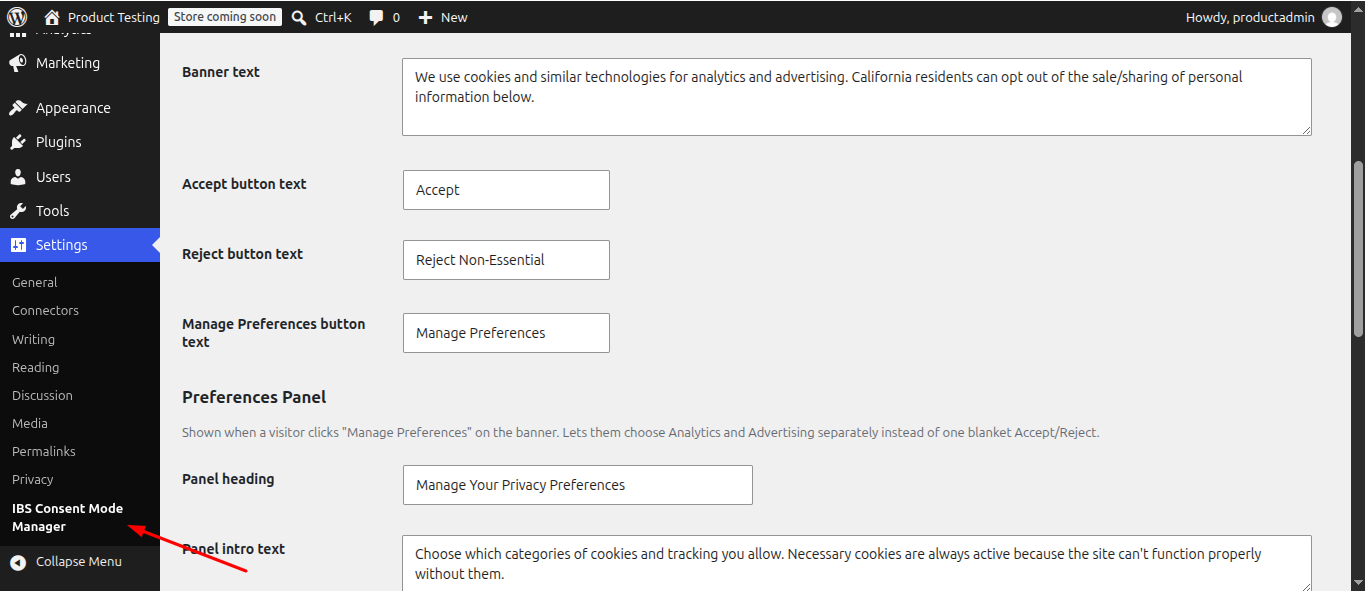
Go to WordPress Admin → Settings → IBS Consent Mode Manager.
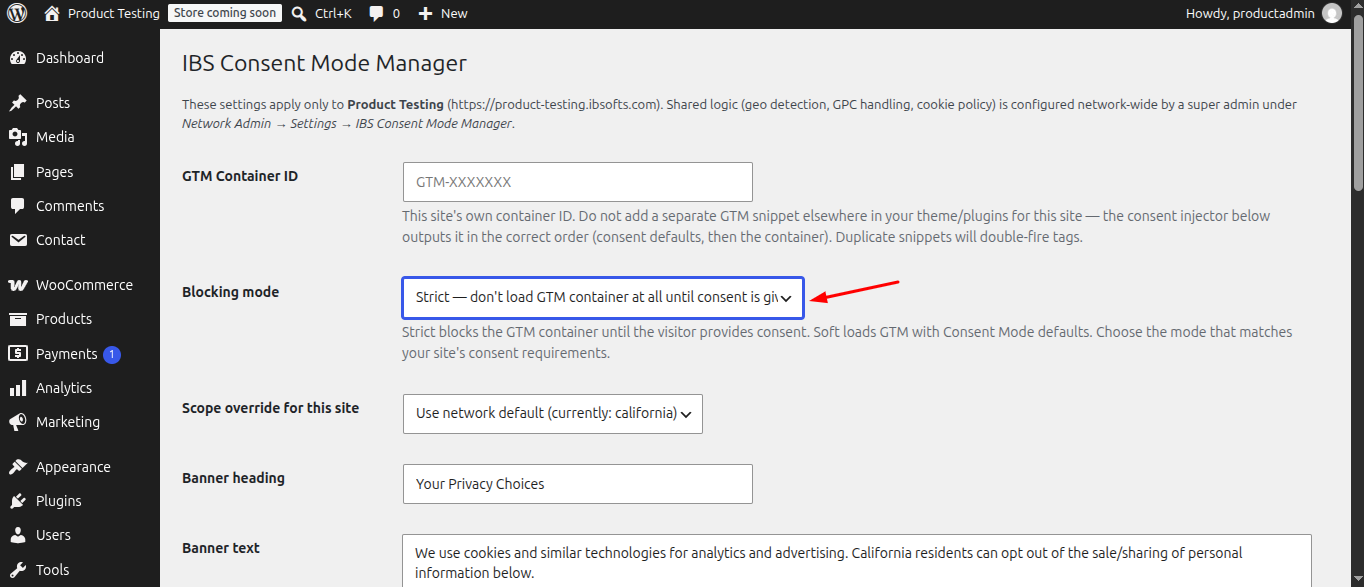
Enter your Google Tag Manager Container ID and select Strict or Soft Mode.
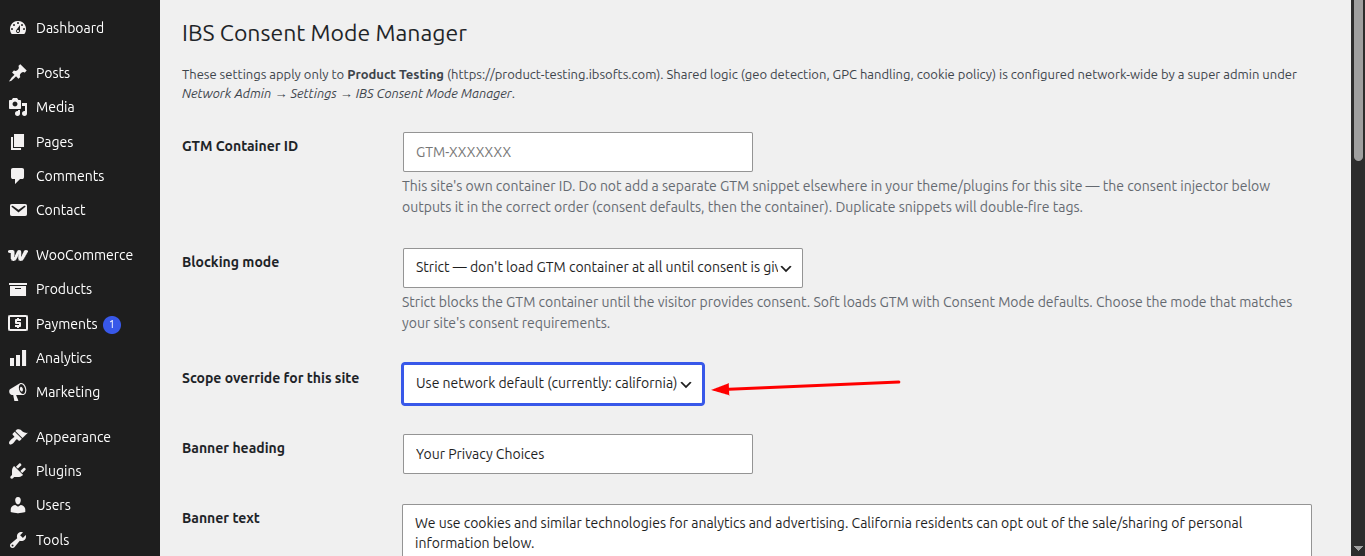
Choose the Consent Scope: California, All US, or Worldwide.
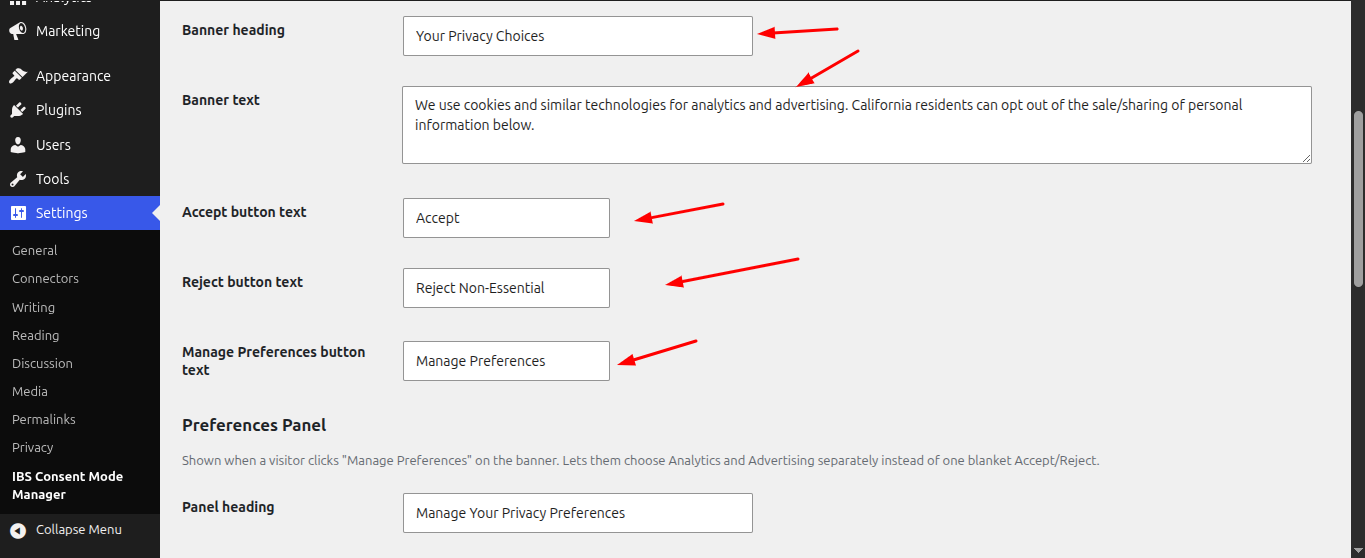
Customize the Consent Banner text and button labels.
Configure Analytics and Advertising consent preferences and their descriptions.
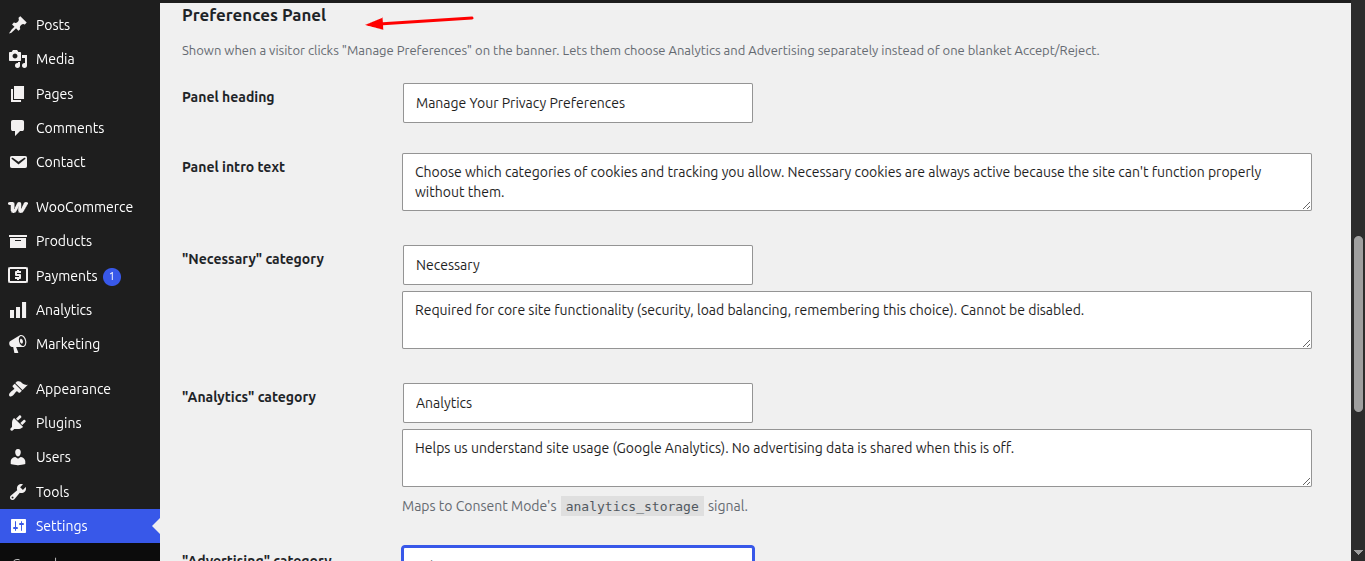
Click Save Settings. The consent banner will automatically appear for visitors covered by the selected consent scope.
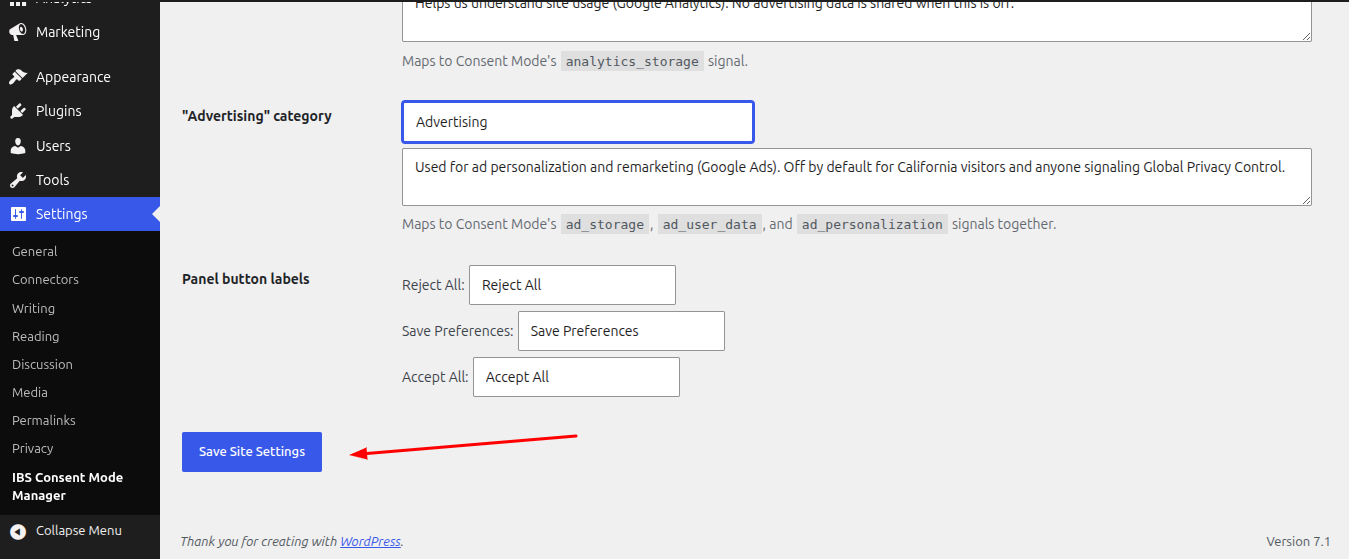
Visitors can Accept All, Reject All, or Manage Preferences. Their choices are applied to Google Consent Mode and stored in a browser cookie.

For WordPress Multisite, configure consent rules at the network level and set the GTM Container ID and blocking mode for each subsite.