
Installation
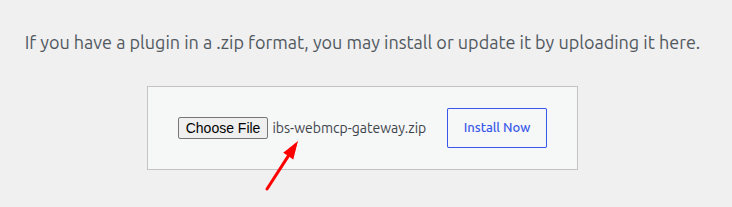
1. Upload the Plugin: In your WordPress Admin Dashboard, go to Plugins → Add Plugin → Upload Plugin, then select and upload the “ibs-webmcp-gateway.zip” file.
2. Activate the Plugin: Once the upload is complete, click Activate Plugin to enable it on your website.
