To get started with the Form Integration for Go High Level and Jotform, users need to install and activate it. They can do this by installing the plugin from the WordPress Plugin Directory.
Then, click the Install Now button to install the plugin. Once the plugin is installed, click the Activate button to activate it.
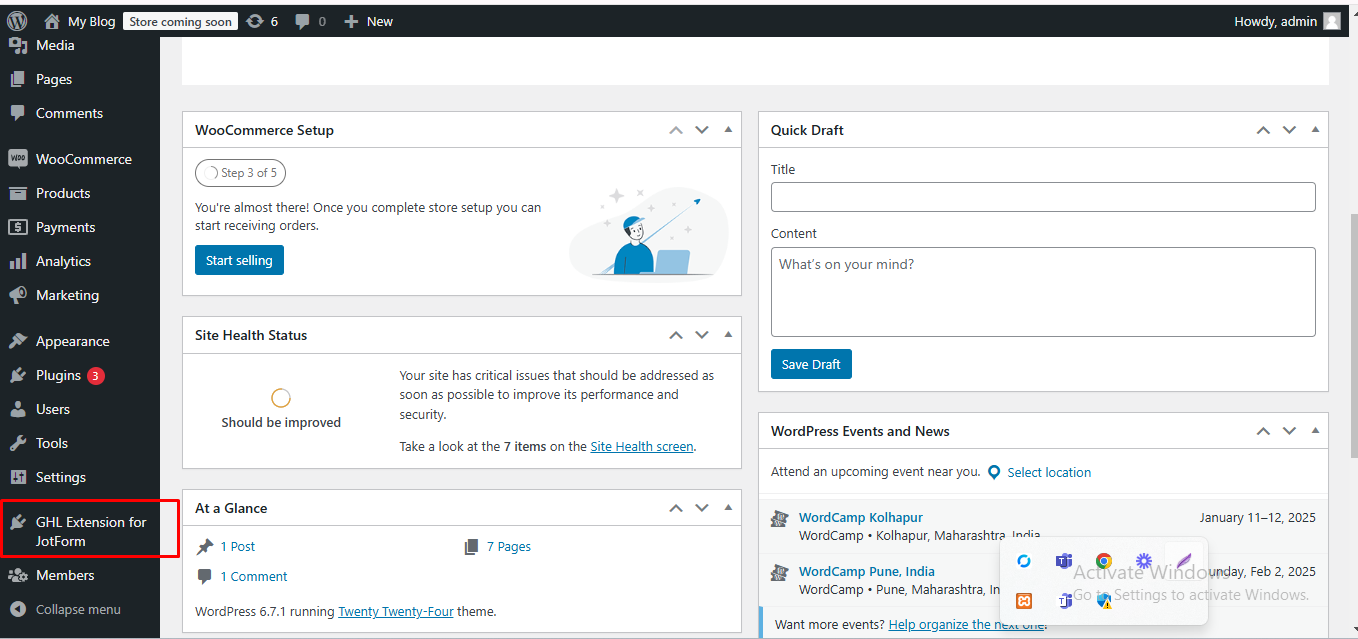
Navigate to the WordPress dashboard, and you will see the "GHL Extension for JotForm" plugin visible in the side menu.
We use cookies to personalize your experience. By continuing to visit this website you agree to our use of cookies