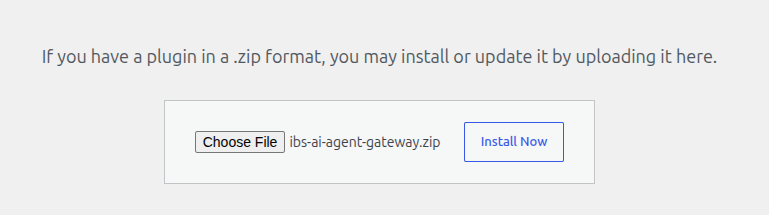
1. Upload Plugin: In your WordPress Admin Dashboard, navigate to Plugins > Add New, and upload the ibs-ai-agent-gateway.zip file.
2. Activate: Once uploaded, click Activate Plugin.
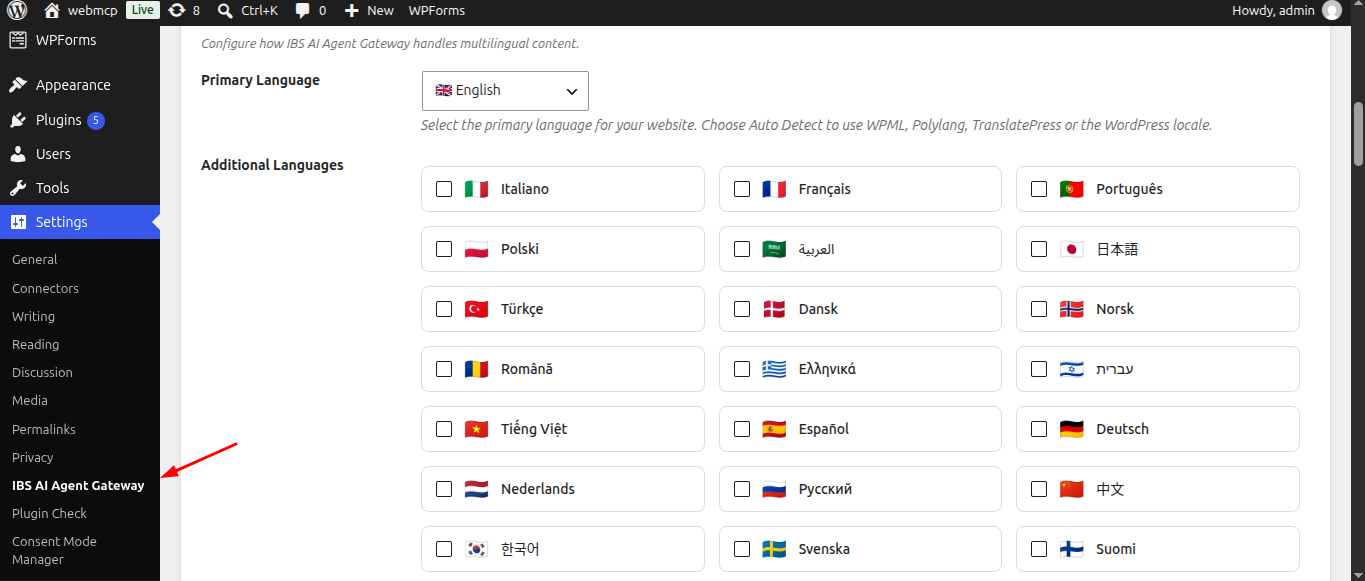
3. A new IBS AI Agent Gateway menu item will now appear in the Settings sidebar.