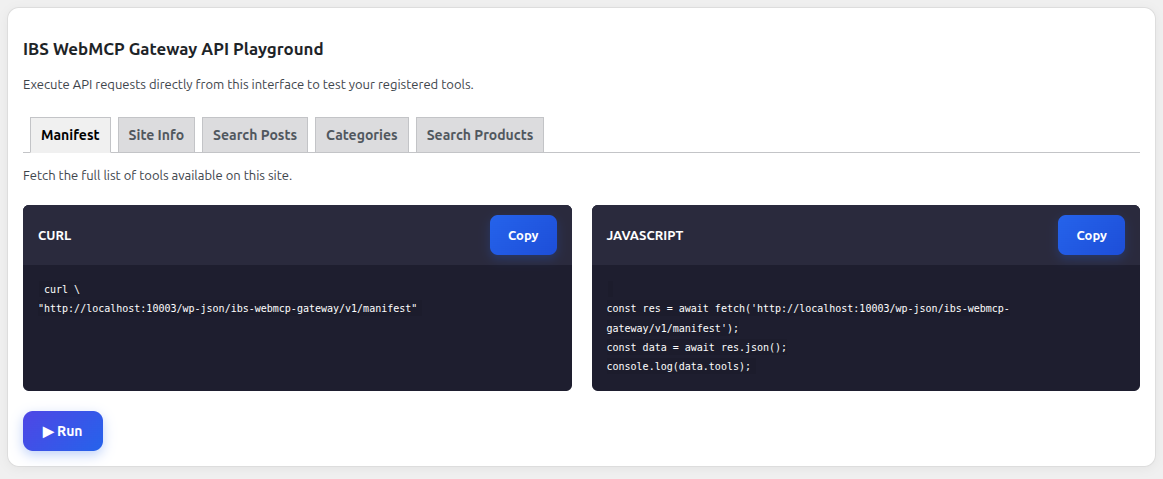
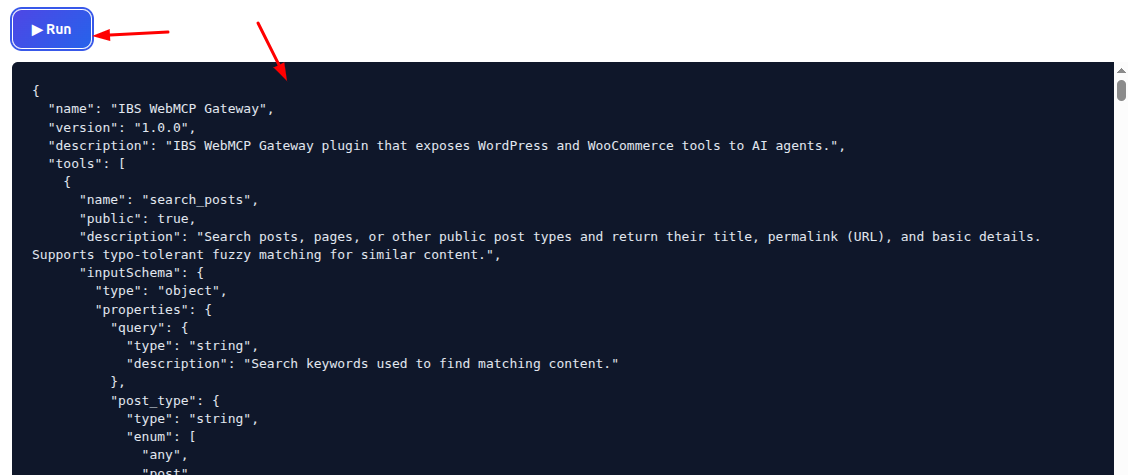
IBS WebMCP Gateway makes your WordPress site and WooCommerce store AI Agent Ready by exposing content, commerce, and website capabilities through WebMCP-compatible tools.
By default, all tools are enabled. User can enable or disable individual tools at any time based on requirements.
Enable or Disable Tools
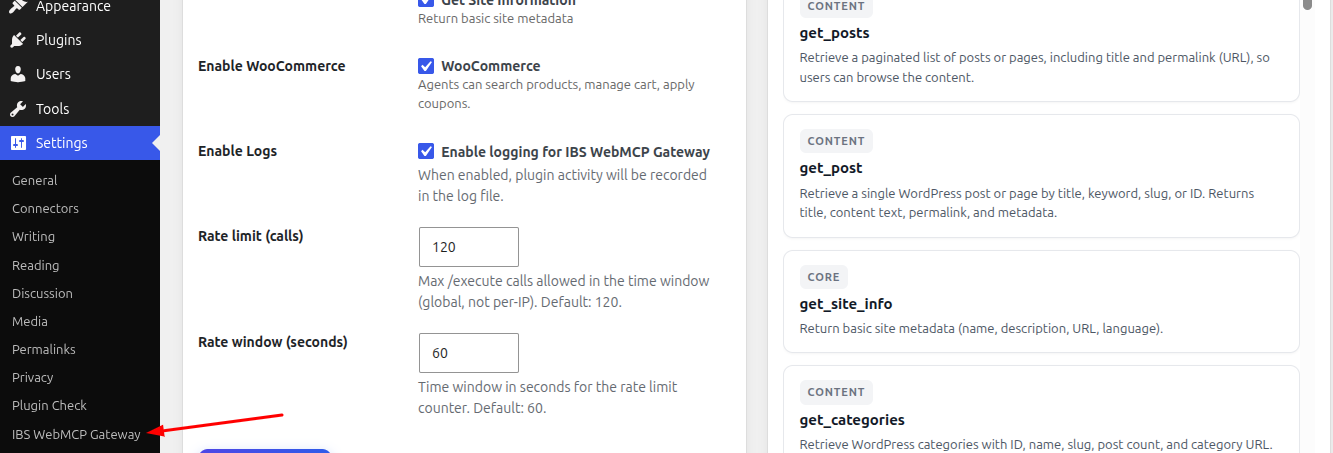
1. Access the IBS WebMCP Gateway settings by going to Settings → IBS WebMCP Gateway in your WordPress Dashboard.
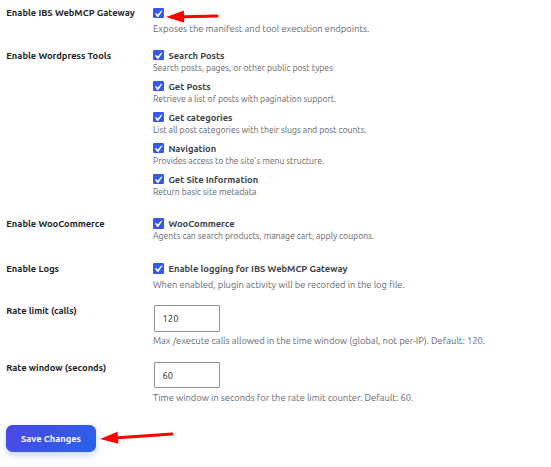
2. Select or clear the checkbox next to each tool to enable or disable it, then click Save Changes to apply your updates.
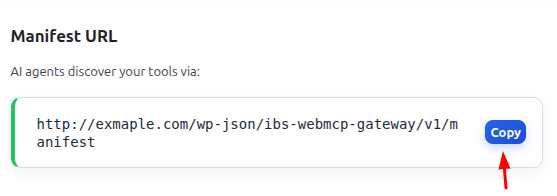
Get the Manifest URL
1. Click the Copy button to copy the Manifest URL. AI agents can use this URL to discover the tools available on your website.
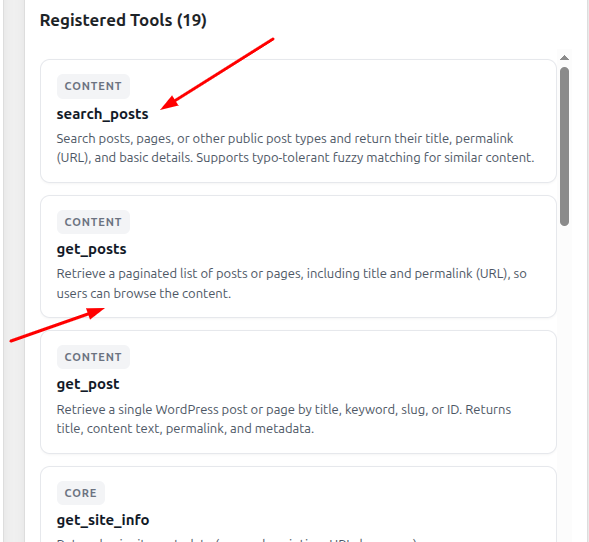
View Registered Tools
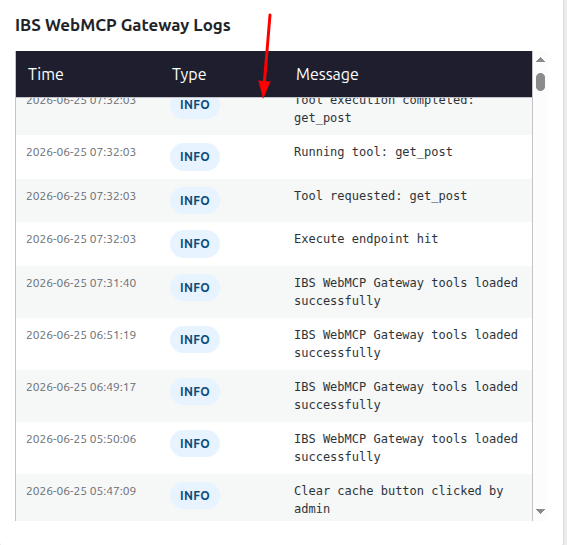
View IBS WebMCP Gateway Logs
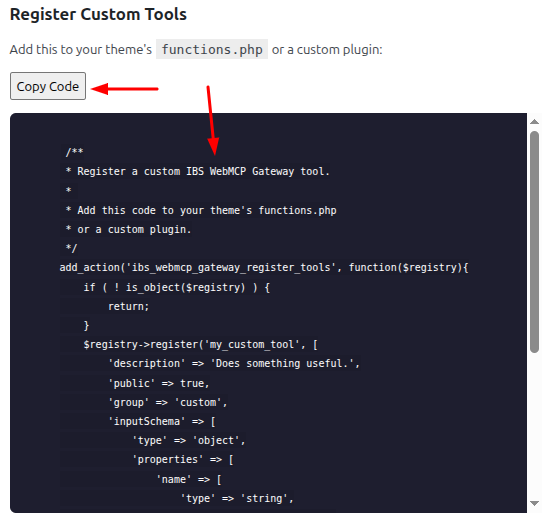
Register a Custom Tool
Click the Copy Code button, then paste the code into your theme’s functions.php file or a custom plugin. Update the code as needed to match your requirements.
Access the IBS WebMCP Gateway API Playground